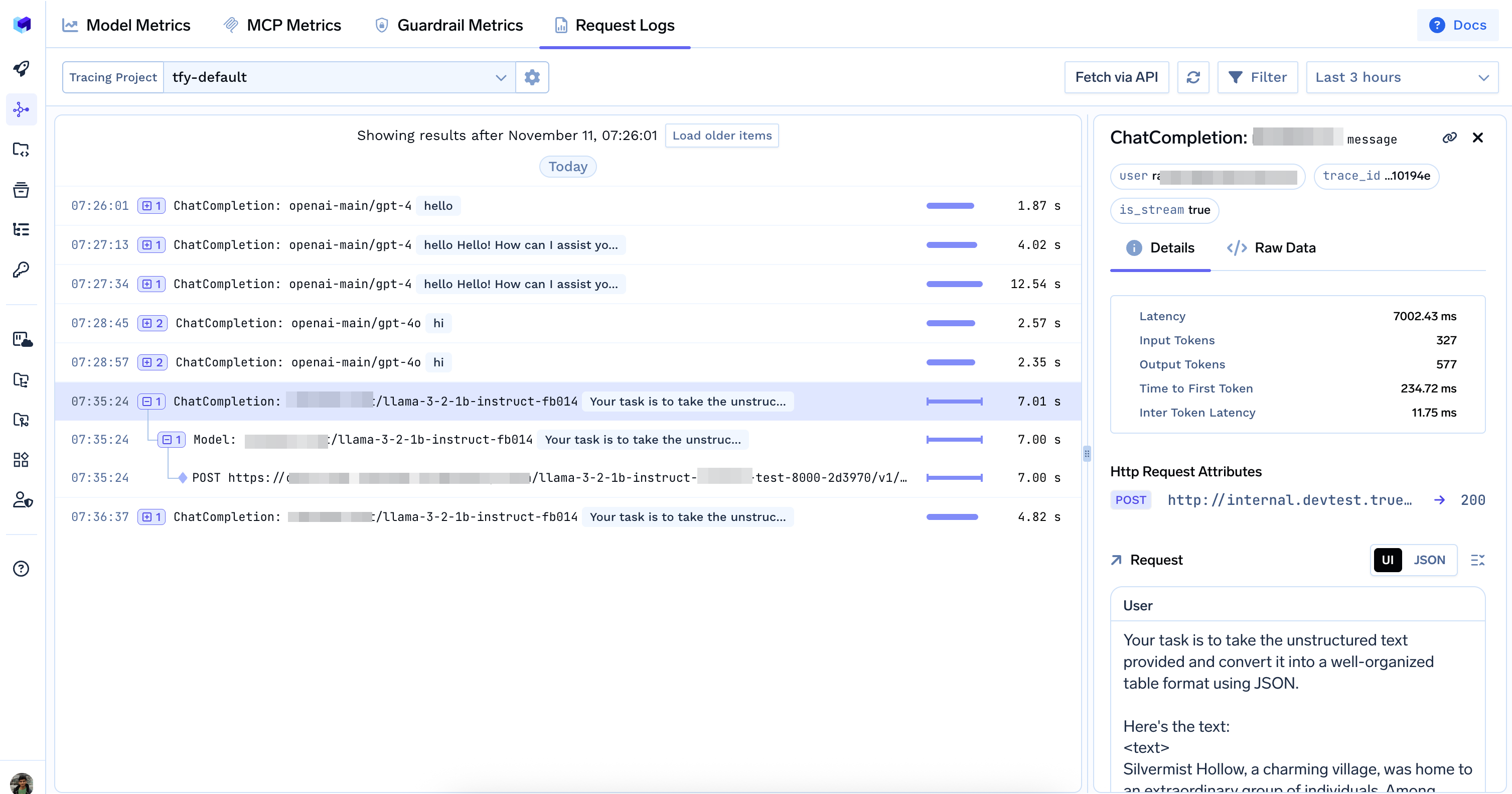
TrueFoundry AI Gateway allows you to control which requests are logged.

Controlling Request Logging

Using HTTP Headers

To enable logging for a specific request, include the X-TFY-LOGGING-CONFIG header:
{
  "enabled": true
}
To disable logging for a specific request, set:
{
  "enabled": false
}

Using Global Settings

You can also control logging behavior globally using AI Gateway global settings:
In the AI Gateway UI, click Settings in the left sidebar to open global settings.
ModeDescription
HEADER_CONTROLLEDLogging depends on the enabled value in the X-TFY-LOGGING-CONFIG header. If the header is absent or set to true, logging will occur. If set to false, no logging will happen.
ALWAYSAll requests are logged regardless of the enabled value.
NEVERNo requests are logged regardless of the enabled value.

Viewing Request Logs

You can view all logged requests in the TrueFoundry UI. Go to AI Gateway > Monitor > Requests

Code Example

from openai import OpenAI

BASE_URL = "{GATEWAY_BASE_URL}"
API_KEY = "your-truefoundry-api-key"

client = OpenAI(
    api_key=API_KEY,
    base_url=BASE_URL,
    default_headers={
        "X-TFY-LOGGING-CONFIG": '{"enabled": true}'
    }
)

Data Access Rules for Request Logs and Metrics

Please refer to Data Access Rules for Traces and Metrics for more information.